Fast counts, valued at what you really paid.
Count by walk-in, freezer and bar on a phone or a printed sheet, keep food and bar counts separate, and see actual against theoretical usage.
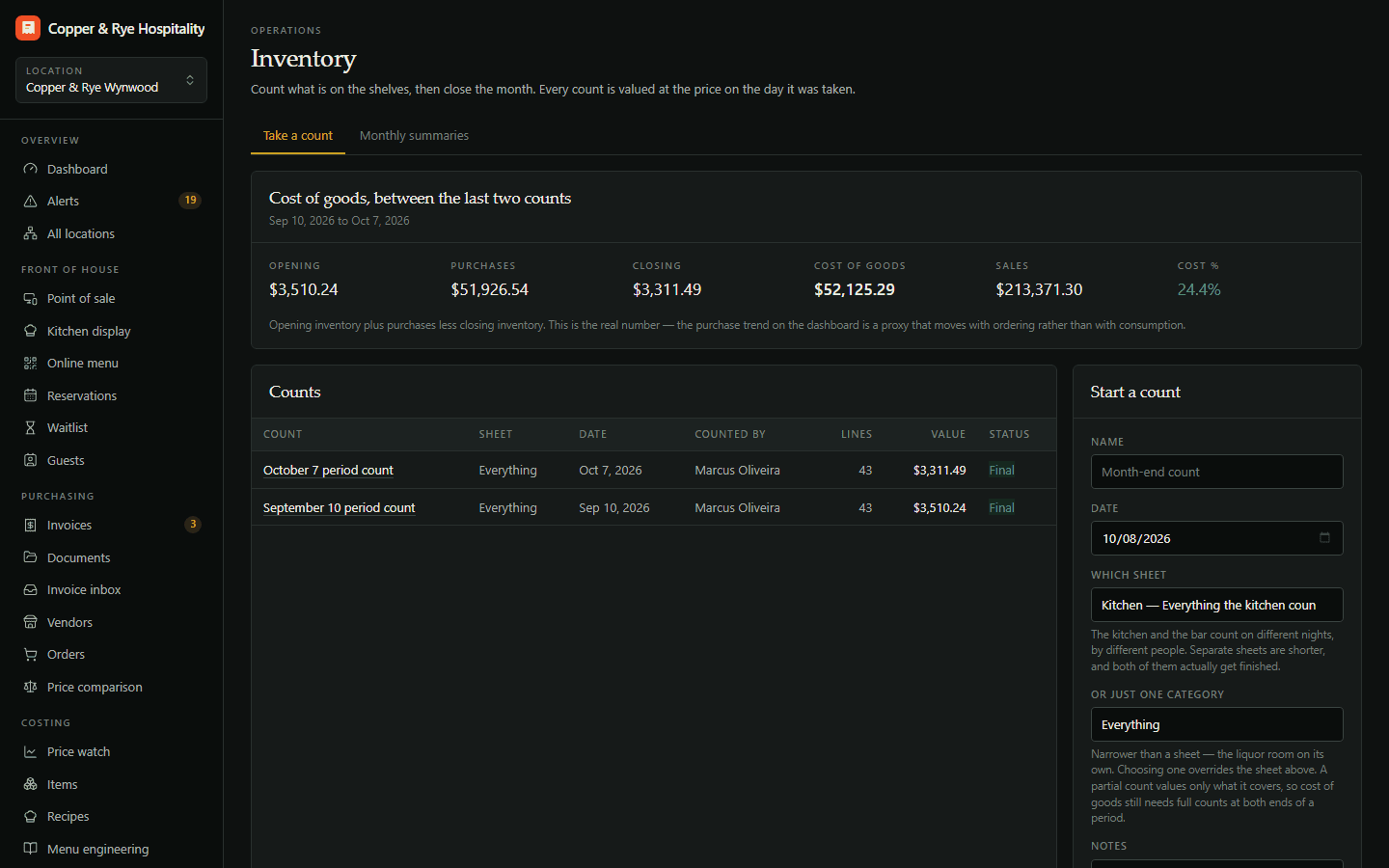
Sunday night, a clipboard, a pencil and a spreadsheet that values everything at whatever someone typed in last year.
Count by walk-in, freezer and bar on a phone or a printed sheet, separate food and bar counts, and value every count at the cost of the day — then see actual vs theoretical usage.
Fast counts by storage area, valued at real cost.
- Count on a phone or print a sheet
- Separate kitchen and bar counts
- Frozen valuations
- Shrink and variance
In the order you walk it
Count sheets follow your storage areas — walk-in, freezer, dry storage, back bar — on a phone or printed for the clipboard crowd.
Kitchen and bar, separately
Run food and beverage counts on their own schedules, by different people, without stepping on each other.
Valued at the day's cost
Every count is valued at the price on the day it was taken, and frozen once finalised — so last month's number never changes under you.
Shrink and variance
Two finalised counts give you true cost of goods, and the gap between what you used and what you sold.
Works hand in hand with
Items & price tracking
What you pay for everything, and who moved it.
Invoices & AP
Code, approve and export every vendor invoice.
Document vault
Every licence, contract and statement in one place.
AI invoice capture
Photograph or email an invoice; AI reads every line.
Try Inventory counts free for 14 days.
Start a trial with Inventory counts on its own, or as part of any plan — and add or drop modules any month.